


A catalog photo that looks soft on a phone is a different problem from a sharp file that only needs polish. Unblur Image reconstructs the missing texture, while a sharpen slider only darkens edges that are already there.
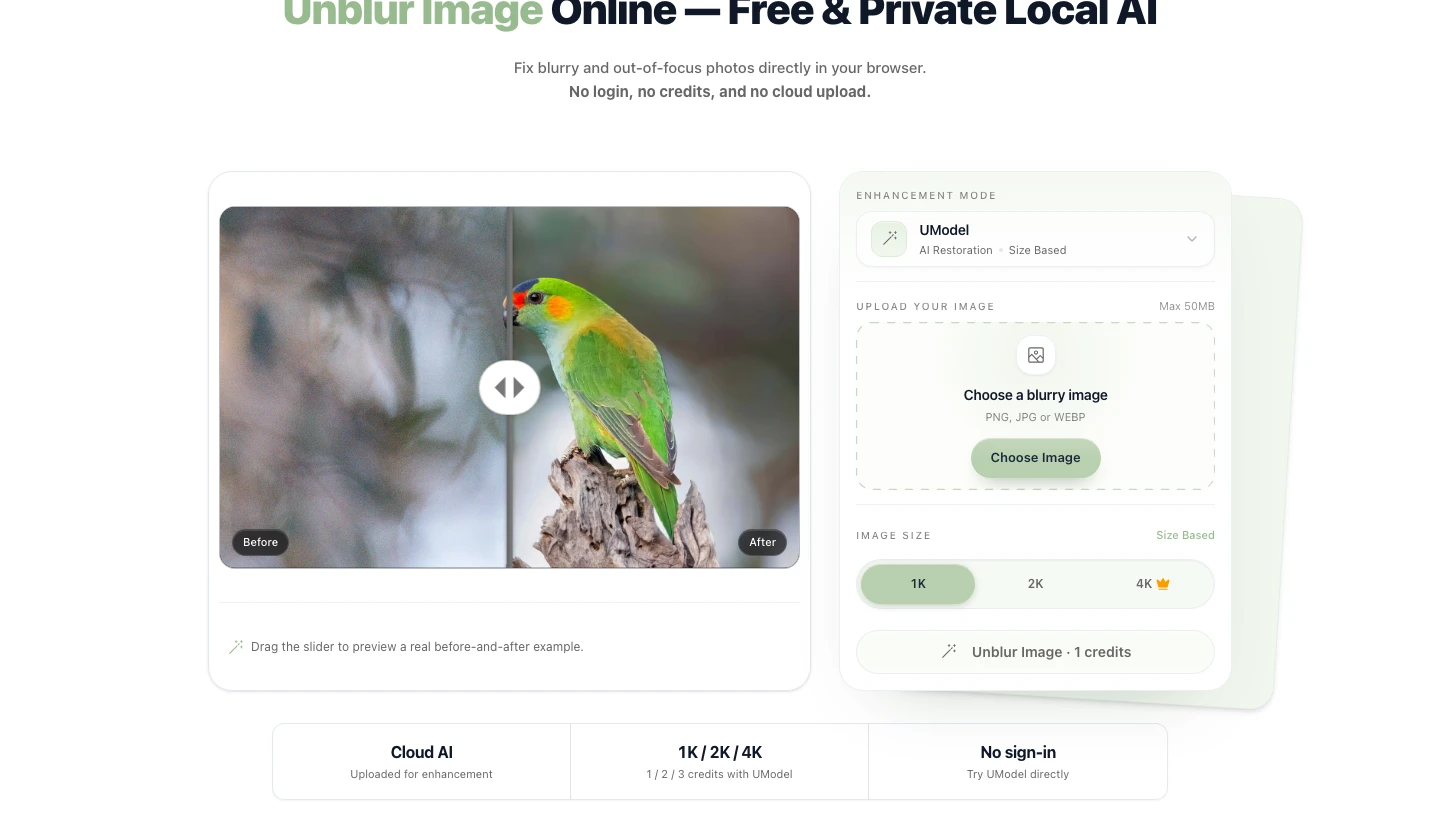


App roundups tend to treat every blur control as the same knob. On a product page that is a costly mix-up. A label, a stitch line, or a serial number can look crisp after sharpen and still be the wrong shape. The buyer of the app is not buying drama. They are buying a file a store can publish.

What A Sharpen Slider Does To Soft Type
A sharpen pass does not recover a letter that the lens never recorded. It raises contrast along whatever edge is still in the pixels. On a logo that was only a little soft, that is often enough. On a photo where the focus missed the package, the same pass draws a dark rim around a smear and calls it detail.
Small type is where the review gets honest. A care instruction, a size chart printed on a hang tag, or a batch code on a bottle can pick up a halo and still fail a read. The edge looks busy. The word does not. That is the failure a catalog team should reject before the asset goes to a marketplace, because a marketplace zoom will show the halo before it shows the product.
What Reconstruction Changes On The Same File
Reconstruction starts from a different account of the damage. The page describes an automatic read of the blur type, including motion, out-of-focus, Gaussian blur, and compression, and then a restoration pass aimed at texture rather than a contrast rim. That is why a soft product shot and a shaky pet shot are not the same job, even when both look „blurry“ in a folder.

Unblur Image puts that split on the workbench itself. A local pass is marked at 1 credit. The cloud pass is priced by output size with UModel: 1 credit at 1K, 2 credits at 2K, and 3 credits at 4K. The upload limit is 50MB, and the accepted files are PNG, JPG, and WEBP. A camera original that is larger than that has to be exported down before this workbench will take it. Those numbers are the cost of one attempt, not a promise that the first attempt is the one you keep.
Why A Halo Is Worse Than Soft Focus
A soft original can still be reshot or sent through a heavier pass. A halo baked into a master is harder to defend, because the edge is now a drawing on top of the product. Compare the restored file with the original at the same crop before anyone exports a marketplace JPEG. If a thread, a crumb, or a printed character appeared with no source in the soft file, that crop is wrong and should not ship.
What The Free Daily Credits Actually Cover
The pricing page is more useful than the hero line. The first day includes 5 free credits, then 2 credits a day. No account is required to use the free path. Output on that path is 1K and 2K, the model is UModel, and batch is one image at a time. There is a 60-second queue.
That queue is the real cost for a studio that thought „free“ meant „between two other tasks.“ A single hero crop can wait. A folder of twelve colorways cannot. Two credits a day also means the free path is a review tool, not a production line. Spend both on the worst file, not on a photo that only needed a levels pass.
One Image And A One Minute Wait
Free use does not unlock a ZIP of ten. If the test is „can this bottle label come back readable,“ one image and a minute is a fair check. If the test is „can tonight’s drop all be repaired,“ the free queue will waste the evening. Say that in the review notes so the next person does not rediscover it on a deadline.
When A Paid Plan Changes The Output Size
A paid plan is not a different product. It changes the ceiling. Any plan unlocks 4K, adds UModel Pro, and allows a batch of up to 10 images downloaded as a ZIP. The 60-second queue wait is removed. Unused credits expire at the end of the billing month, so a plan bought „just in case“ in a quiet week does not roll forward.
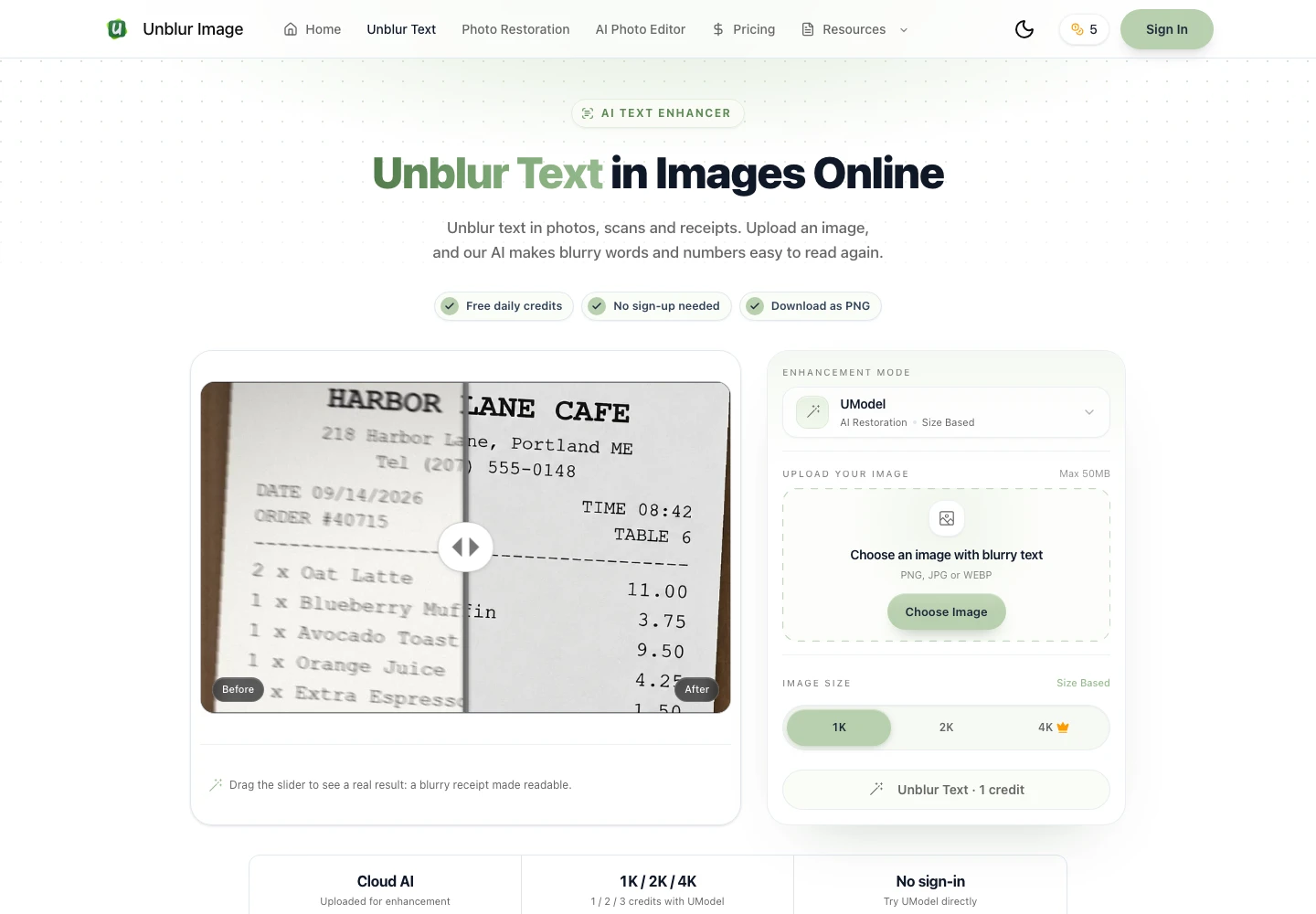
The monthly steps on the page are concrete. Starter is $9.9 and includes 100 credits, about $0.099 a credit. Standard is $29.9 and includes 400 credits, about $0.075 a credit. Premium is $79.9 and includes 1,400 credits, about $0.057 a credit. Each plan also states the count as images at 1K, which matches the 1-credit local or 1K cloud pass, not a 4K cloud pass that costs 3.
Unblur Image is the right tool when the file is actually blurred and the credit math is visible before you subscribe. A 4K cloud attempt at 3 credits is cheap next to a reshoot, and expensive next to a sharpen that would have been enough. Do the crop test on one file at 2K before you buy a month for a folder you have not looked at.
| Path | What you spend | What you get |
| Free day | 5 credits on day one, then 2 a day | 1K or 2K, UModel, one image, 60-second queue |
| Local pass | 1 credit | On-device restoration, no account required for the free path |
| Cloud with UModel | 1 / 2 / 3 credits | 1K / 2K / 4K output on the uploaded file |
| Starter month | $9.9, 100 credits | 4K, UModel Pro, batch of 10, no 60-second queue |
Read the table as a budget, not as a quality ladder. More credits do not invent a sharper lens. They let you attempt 4K and a small batch without sitting in the free queue. A file that fails the side-by-side at 2K will still fail after you pay, and the month’s unused balance will expire.
A Review Pass Before The Restored File Ships
Keep the original and the restoration in the same crop. Check three places only: the smallest type, a repeating texture such as fabric or a grate, and any edge that meets a plain background. Those three catch a halo, a melted pattern, and a letter that was redrawn. The rest of the frame can look impressive and still be the wrong file.
Unblur Image belongs in that review because the credit, the size, and the queue are stated before the export. Use the free 2K pass when you need to know whether reconstruction beats sharpen. Move to a paid month when the same check has to cover a batch and a 4K master. Leave sharpen for files that were already sharp and only need a finish.
The shipped asset should still be one a person can defend at zoom. If the label cannot be read, or a texture appeared from nowhere, discard that export and keep the original. The tool is there to make the product photo publishable, not to decorate a miss.





Chcete k tomu něco dodat? Napište krátce proč.